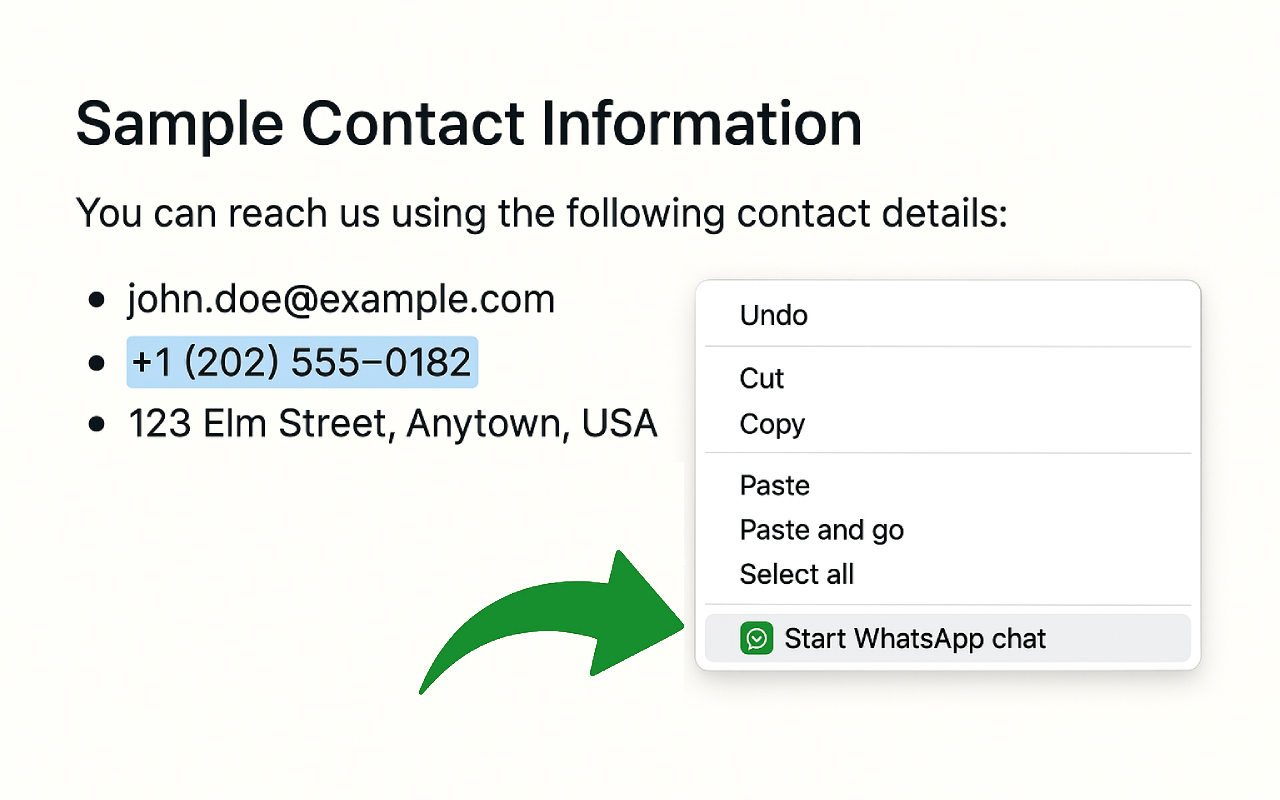
Right-click anywhere
Select a number, right-click, and start a chat instantly.
WhatsOpen turns phone numbers on the web into one-click WhatsApp conversations. Right-click, inline icons, tel: links, keyboard shortcuts, smart formatting, and a full settings panel — all private, on your device.
Built for sales, support, and anyone who lives in WhatsApp — without cluttering contacts or leaking data.
Select a number, right-click, and start a chat instantly.
WhatsApp buttons appear next to numbers across the web — or limit to Google only.
Right-click phone links or click the inline icon — no manual selection needed.
Select a number and press Ctrl/Cmd + Shift + W to open WhatsApp.
Set your opener once — use it from the menu, popup, or shortcut flow.
Share a WhatsApp link with your team without opening a chat yourself.
Respects + prefixes, leading zeros (UK/AU/IN), and your chosen default country.
Optional: never guess a country code — use digits exactly as you typed them.
Selection contains two numbers? Choose the right one in a quick dialog.
Ignores order IDs, SKUs, tracking codes, and similar false positives.
Keep one WhatsApp Web tab instead of opening a new one every time.
Opt-in history stored on your device — open or copy again in one click.
On Google Maps, a company site, LinkedIn, or any page with a phone number or tel: link.
Use the inline icon, context menu, keyboard shortcut, or extension popup.
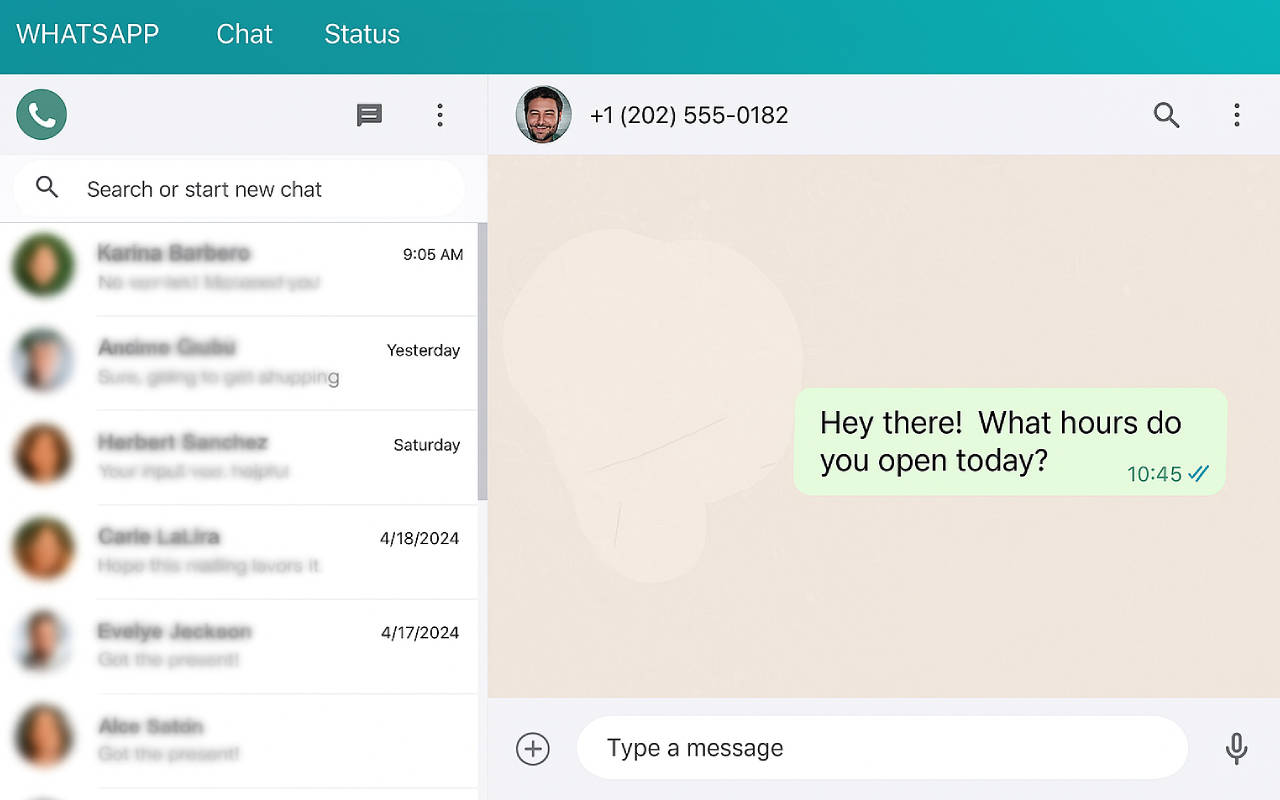
WhatsApp opens with the correct international number — optional message included.
Click the WhatsOpen icon in Chrome's toolbar to configure everything.
Auto, none, or pick BR, US, GB, PK, IN, and more.
Auto-detect, force WhatsApp Web, or use the desktop/mobile app link.
All websites, Google only, or off (right-click only).
Paste any number in the popup and open, copy, or revisit recent chats.